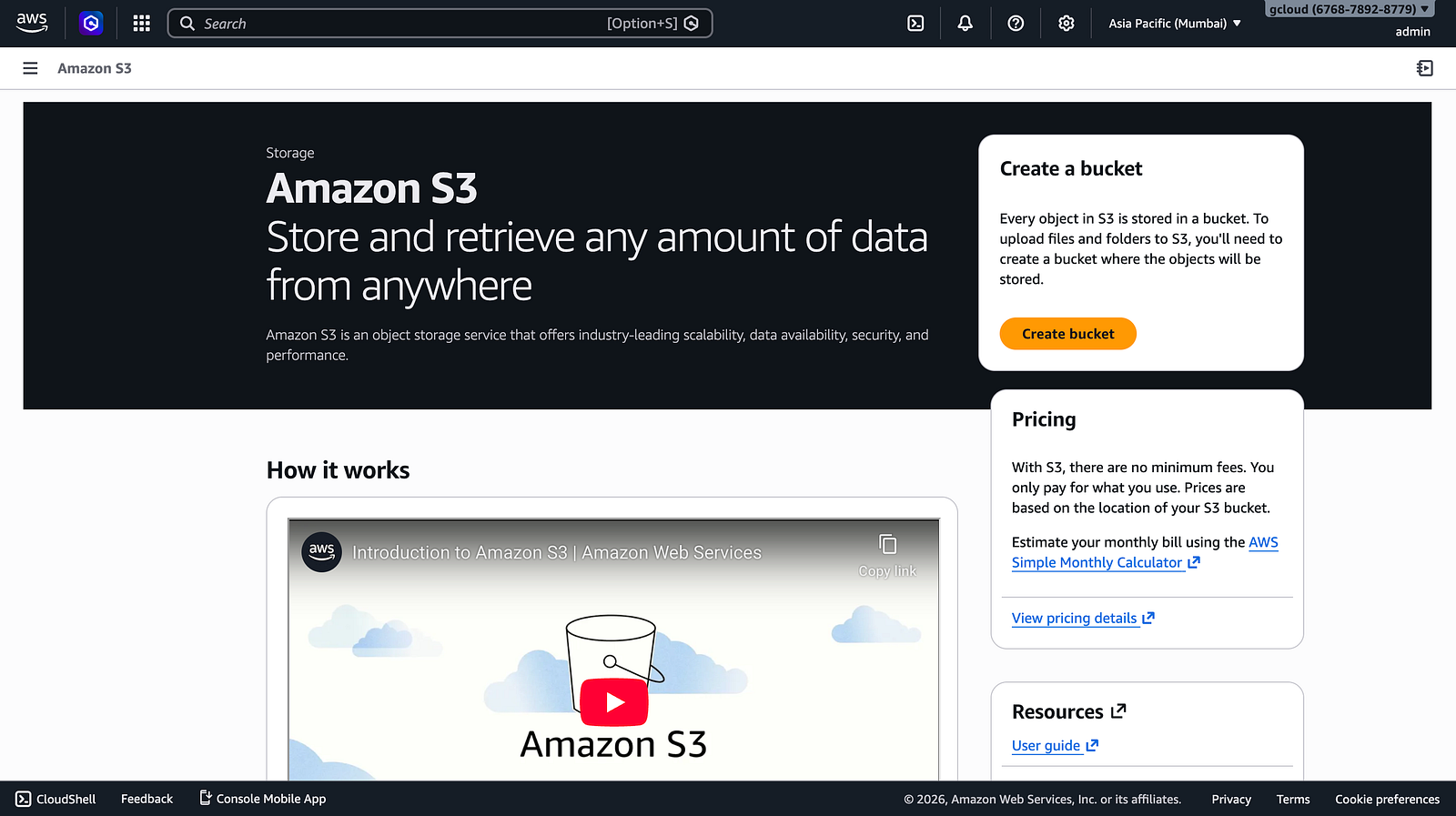
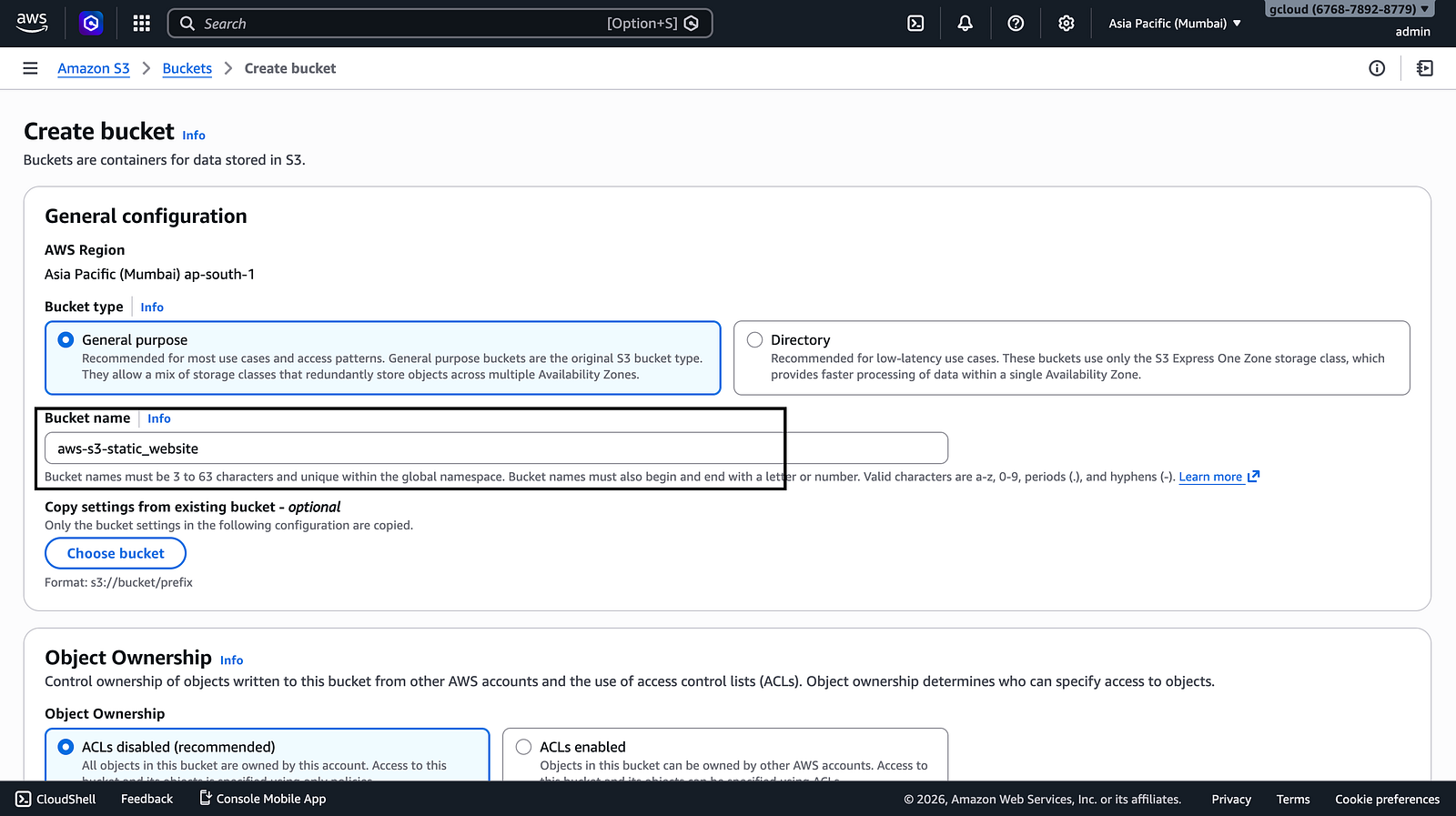
I deployed a static website on Amazon S3 by creating an S3 bucket, configuring public access settings, enabling static website hosting, and uploading HTML files. I also fixed the 403 Forbidden error by adding the correct bucket policy. This project demonstrates my understanding of AWS S3, website hosting, bucket permissions, and troubleshooting.
In this project, I deployed a static website using Amazon S3.
This architecture allows websites to be hosted without servers, making it a highly scalable and cost-effective solution.
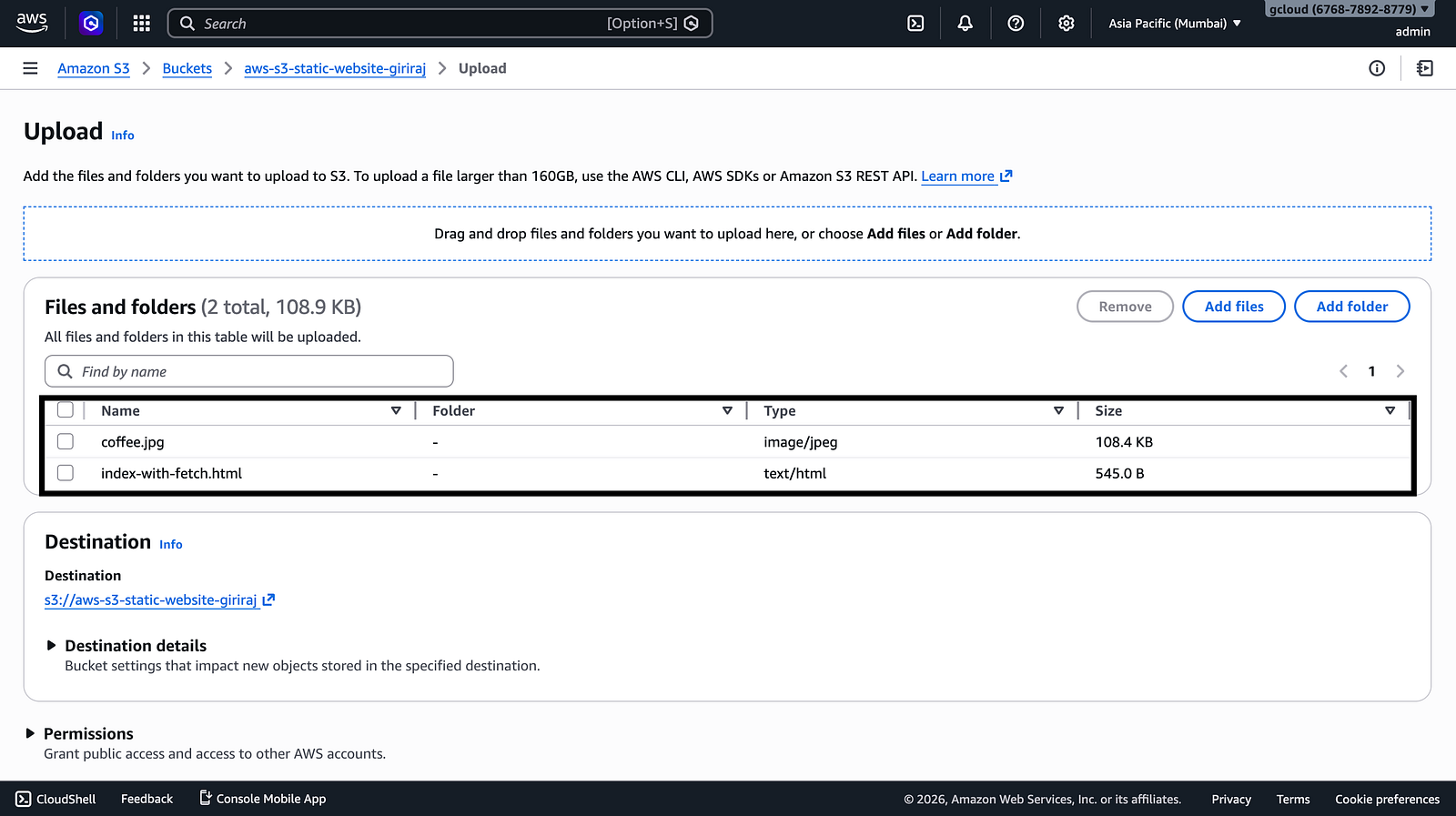
Step 2 — Upload Website Files